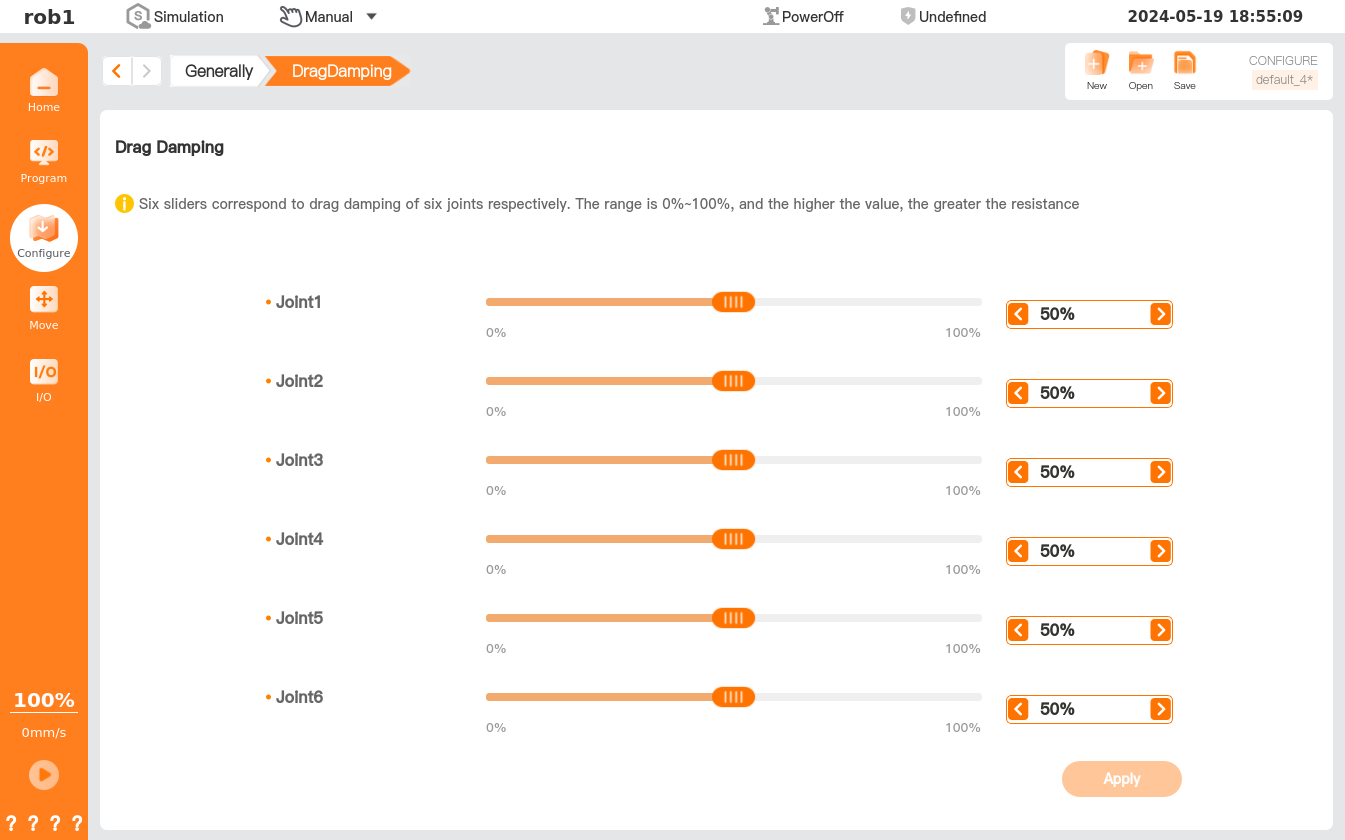
HandGuide
In HandGuide mode, you can manually drag the robot.
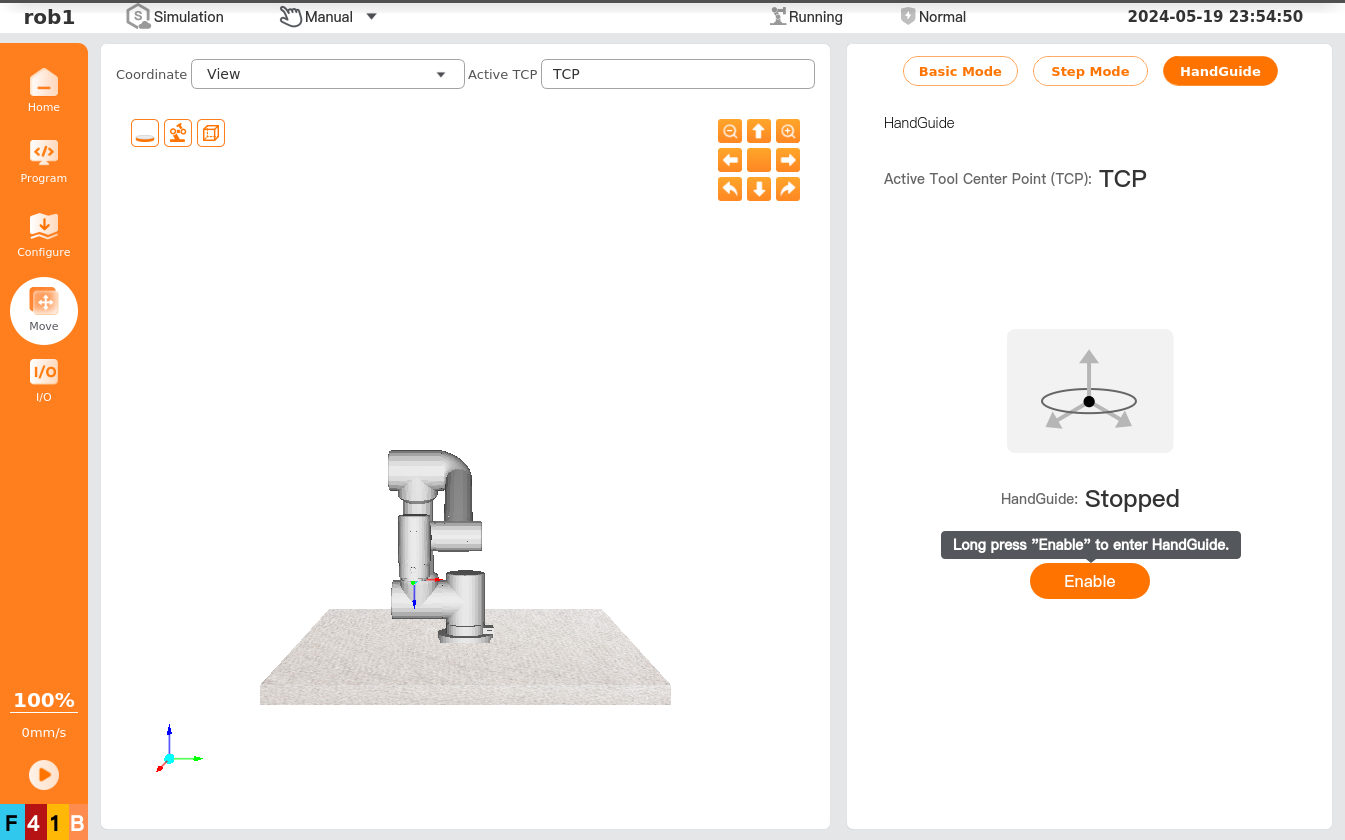
- HandGuide: Long press [Enable] to enter the HandGuide mode; the HandGuide displays "Started," and you can directly drag the robot to the target position/pose. Click [Disable] to exit the HandGuide mode; the HandGuide displays "Stopped," and then the robot keeps at the current position/pose.
Limited HandGuide
Limited HandGuide can be enabled or disabled in "Setting > Preference > Robot."
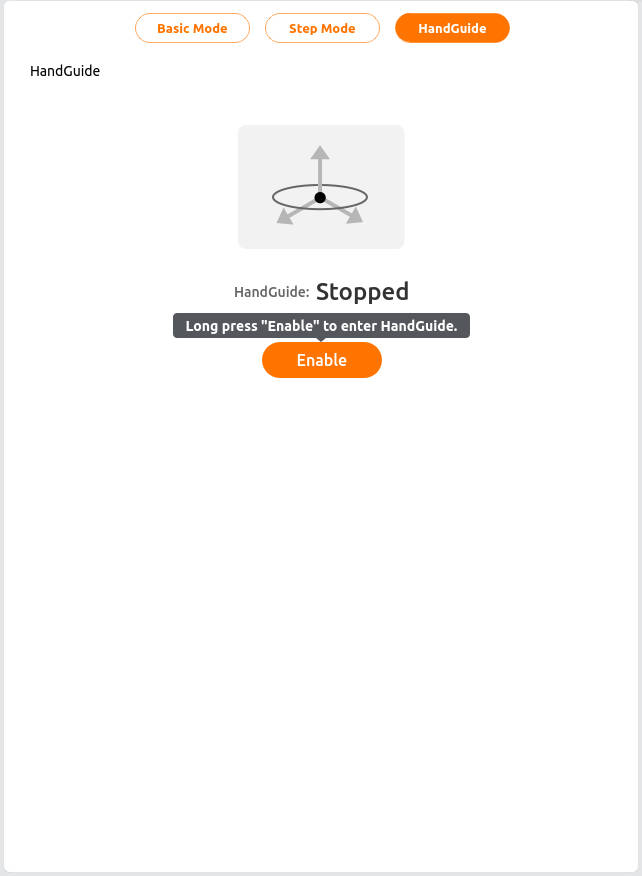
When limited HandGuide is enabled, you can lock one or more axes, controlling the TCP to move in the specified direction.
| Icon | Description |
|---|---|
 | Moving is allowed along all axes. |
 | Moving is only allowed along the X and Y axes. |
 | Moving is allowed along all axes, but rotation is not allowed. |
 | Rotation is allowed in all axes, but moving is not allowed. |
Force-Controlled Dragging
The force-controlled dragging function allows users to directly pull the robot arm by applying external force in HandGuide mode, enabling teach-in programming.
Trigger Methods
End button trigger: Install a force control button on the robot arm's end flange, and press the button to enter dragging mode.
Teach pendant button trigger: Activate dragging mode using the dedicated three-position button on the back of the teach pendant.
External IO trigger: Control dragging mode via external digital input signals.
Note:
DI Action needs to be configured as HandGuide.
Dragging Operation
- After activating dragging mode, the robot arm enters free movement mode.
- The user applies external force to pull the robot arm to the target position.
- The robot arm responds to the dragging force in real time.
Exiting Dragging
- Release the button.
- Click the teach pendant button again.
- Remove the external IO signal.
Drag damping
[Drag Damping]: Set the force required to drag each joint of the robot. The higher the value set, the more force required to drag the joint.
Info
To save the set parameters, click the [Save] button in the upper right corner. Clicking [Apply] or re-powering the robot will only make the set parameters effective but will not save them.