
User Authority
[Authority] provides users with the function of managing the authorities of each function module in the software, which is divided into two modes: basic and advanced modes:
Classic mode: Log in to the software without a password. This mode provides three password settings and modification functions: admin, operating mode, and security. Different passwords manage the authorities of different functions.
Note:
When the operating mode password has not been set:
- In local mode, only [Manual mode (Limited)] is available; [Manual mode] and [Automatic mode] cannot be used.
- The system will display a [Operating mode password not set] prompt to the user.
Advanced mode: Provides more detailed user management functions, allowing users with different authorities to log in and to operate the software within their authorities. Admin can create, set, or cancel accounts after logging in, and the authorities of other accounts are assigned by the admin account.
AuboStudio works in classic mode by default. You can switch to the advanced mode in the [Advanced] page after setting the admin password. When using this feature, please ensure that the user authority is properly configured and managed according to the instructions in the relevant documentation or official guides.
Mode switching
The [Advanced] page allows users to turn on or off the advanced mode and the swipe card login.
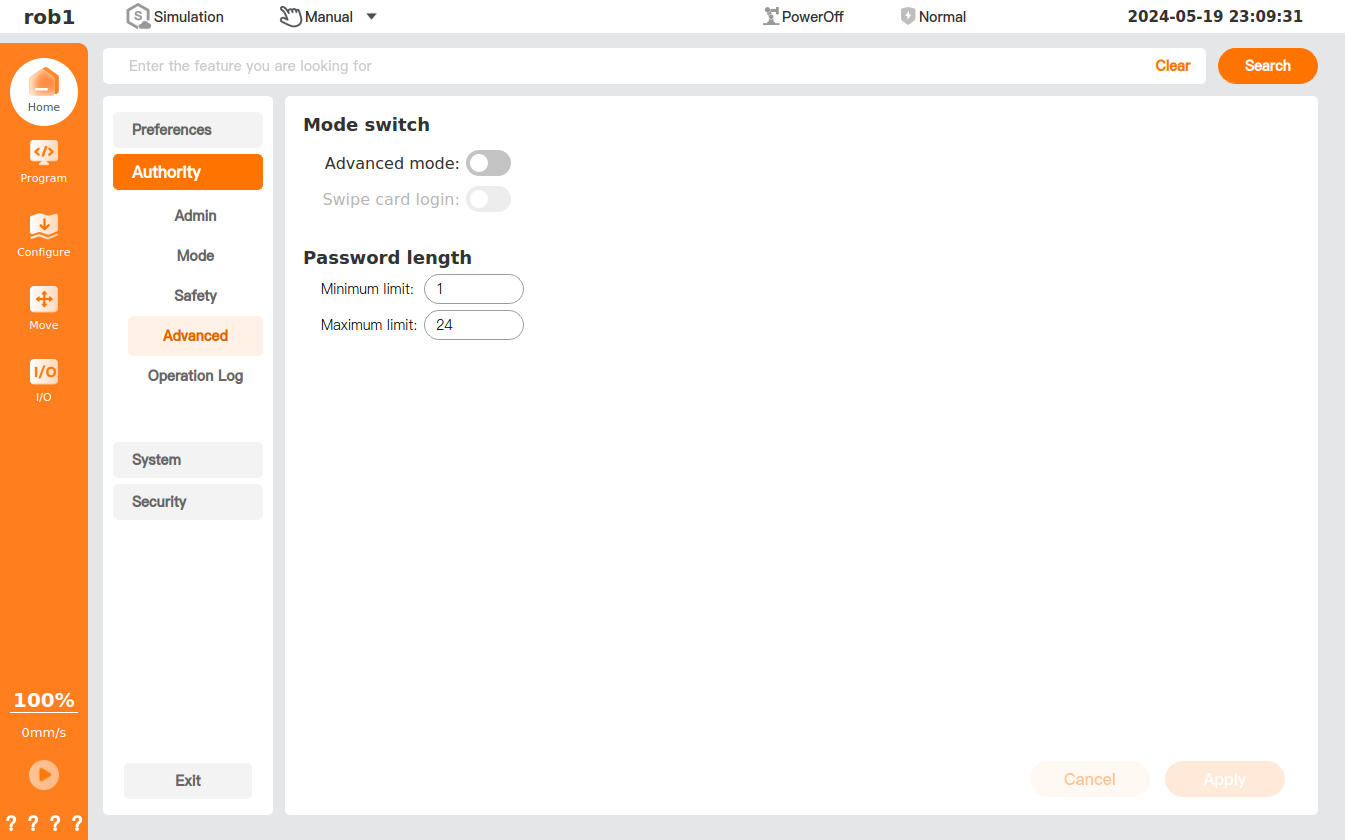
- Advanced mode: Click

 to turn on or off the "Advanced mode." You must enter the admin password each time you switch the mode. The mode will be enabled after the admin account is authenticated successfully.
 - Swipe card login: Click to turn on or off the "Swipe card login." This function needs to be used in conjunction with the card reader. If you turn on the "Swipe card login" function, you can simply swipe your card to log in to the software.