Change Safety Configuration
Safety configuration settings must be changed based on the integrator's risk assessment results.
Safety configuration change process:
- Ensure that changes comply with the risk assessment performed by the integrator.
- Adjust safety configuration in accordance with risk assessment requirements.
- Confirm that the new safety configuration has been applied (which can be verified using a safety checksum).
Apply safety configuration
The robot will be powered off when the safety configuration is changed.
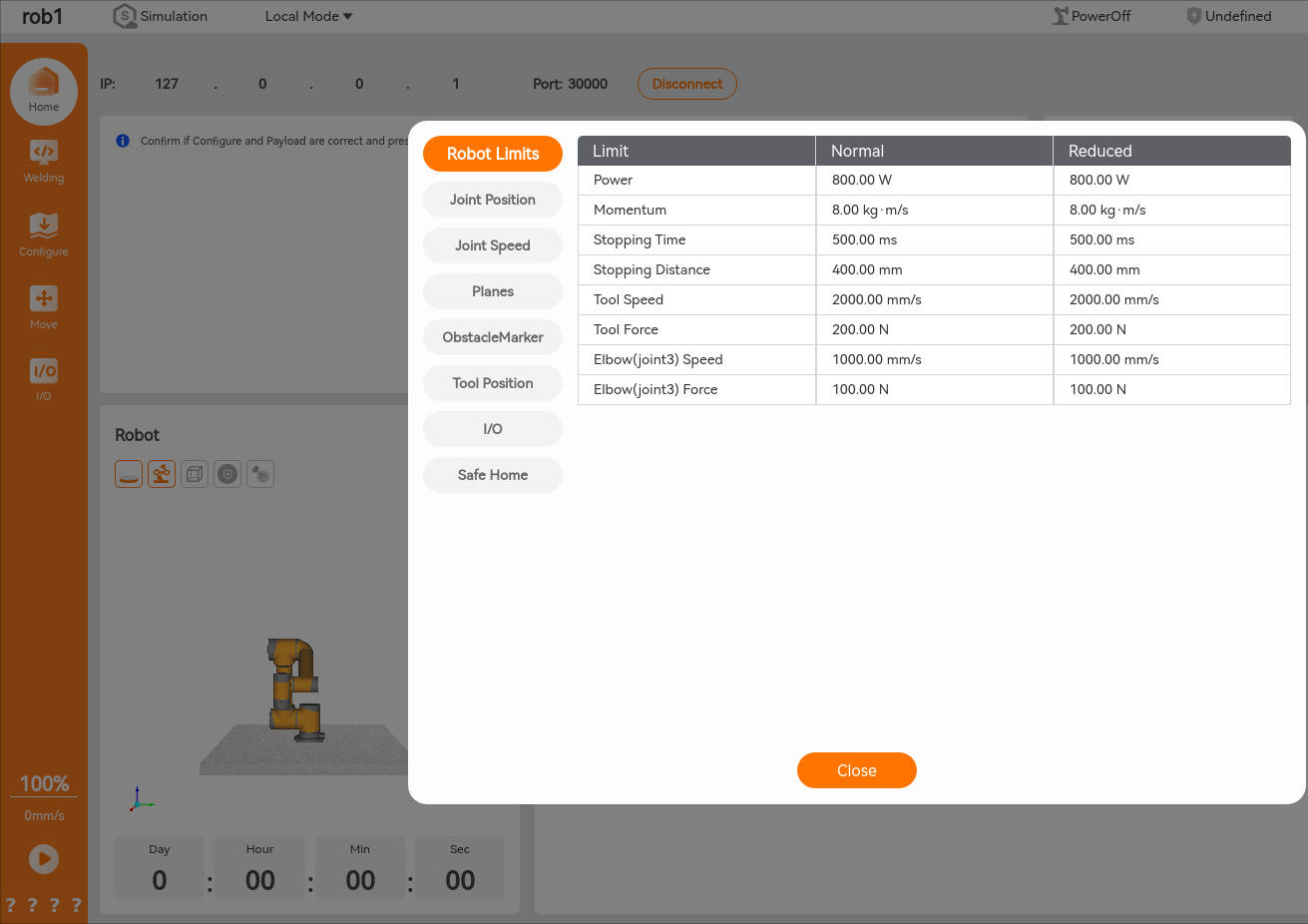
After changing the safety configuration, click the [Apply] button. The system will then display a pop-up window prompting users to confirm the changes and show the current safety configuration information for users to check. Once confirmed, the robot will be powered off, and the changes will be automatically saved to the current safety configuration file.
Safety verification code
The verification code is displayed in the lower left corner of the AuboStudio interface. The verification code is updated when safety configuration changes. Click the verification code to view the details of the currently valid safety configuration.