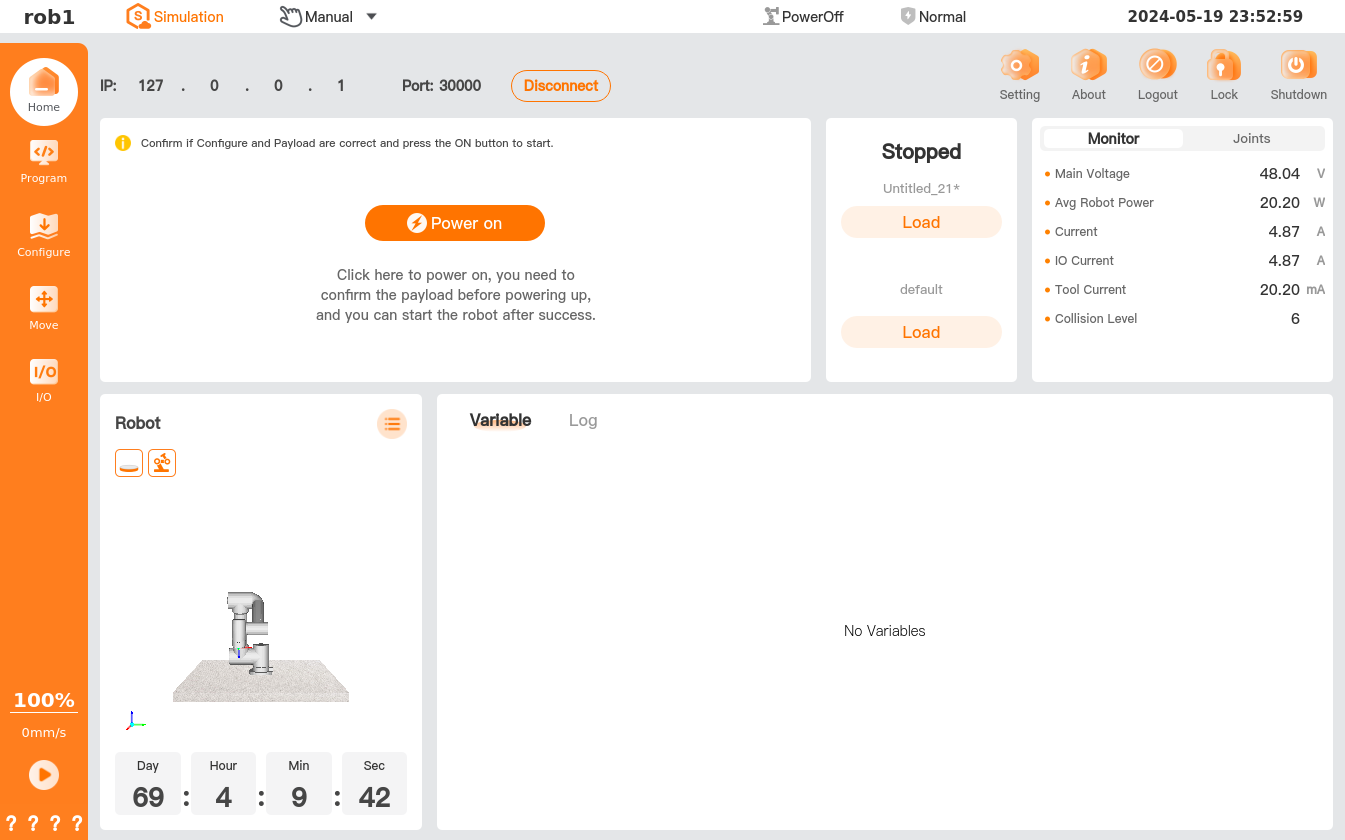
Simulation Mode
In simulation mode, the robot status is simulated by its simulation model, and users can debug the program, check the operating status of the robot by simulation model, and verify the configuration.
To switch to simulation mode, click [Simulation] on the top status bar, and then the color of the [Simulation] icon will change. To exit simulation mode, click [Simulation] again, and then the color of the [Simulation] icon will return to normal.