Authority - Classic Mode
Classic Mode Introduction
On the [Authority] page in classic mode, you can set or modify the admin password, operating mode password, or security password, turn on advanced mode, and view the [Operation Log].
Note:
In classic mode, AuboStudio can be used without logging in. Some key functions require the admin password, operating mode password, or security password before they can be accessed.
Administrator
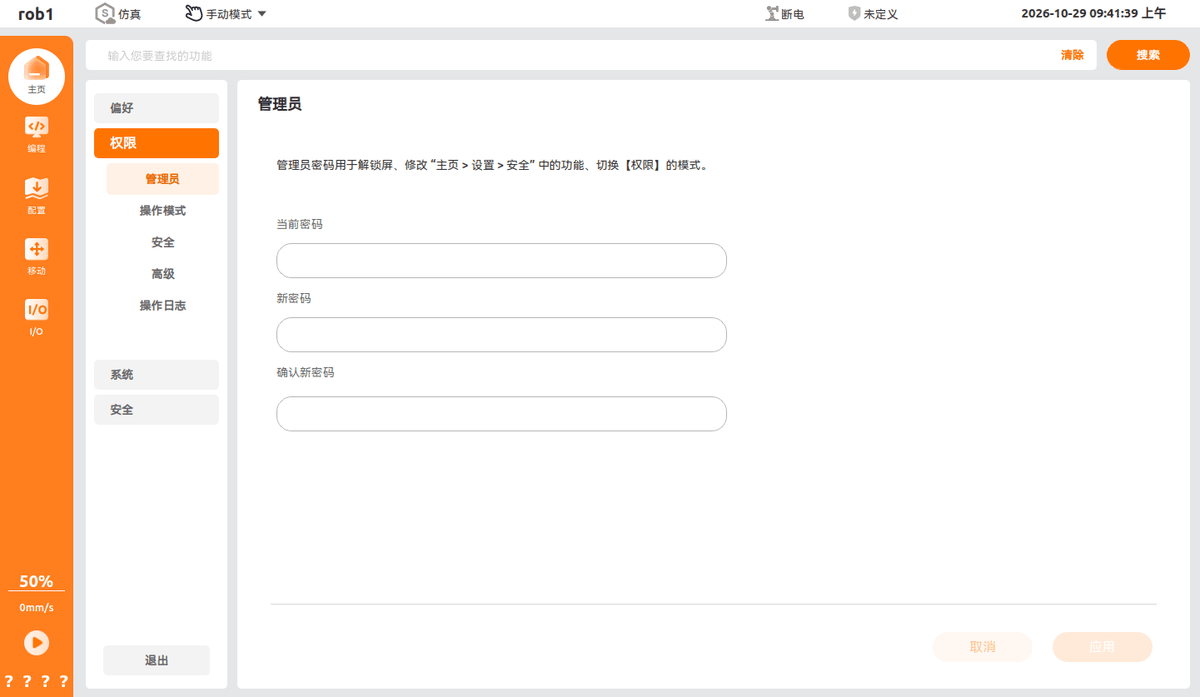
On the [Administrator] page, you can set the admin password. The admin password is used to unlock the screen, modify the functions under Home > Settings > Security, and switch the mode of [Authority].
Field Description
- Current Password: Enter the existing admin password to verify your identity.
- New Password: Enter the new admin password to be set.
- Confirm New Password: Enter the new password again. Both entries must be identical.
Operation Steps
Enter the original admin password in the [Current Password] box.
Note:
Devices shipped from the factory do not carry any default password. When setting the password for the first time, [Current Password] can be left blank.
Enter the same new password in the [New Password] and [Confirm New Password] boxes.
Submit and save after filling in the boxes. The new admin password takes effect immediately.
Warning:
Keep the admin password properly. If the password is incorrect, controlled operations such as modifying security items and switching the authority mode cannot be performed.
Operating Mode
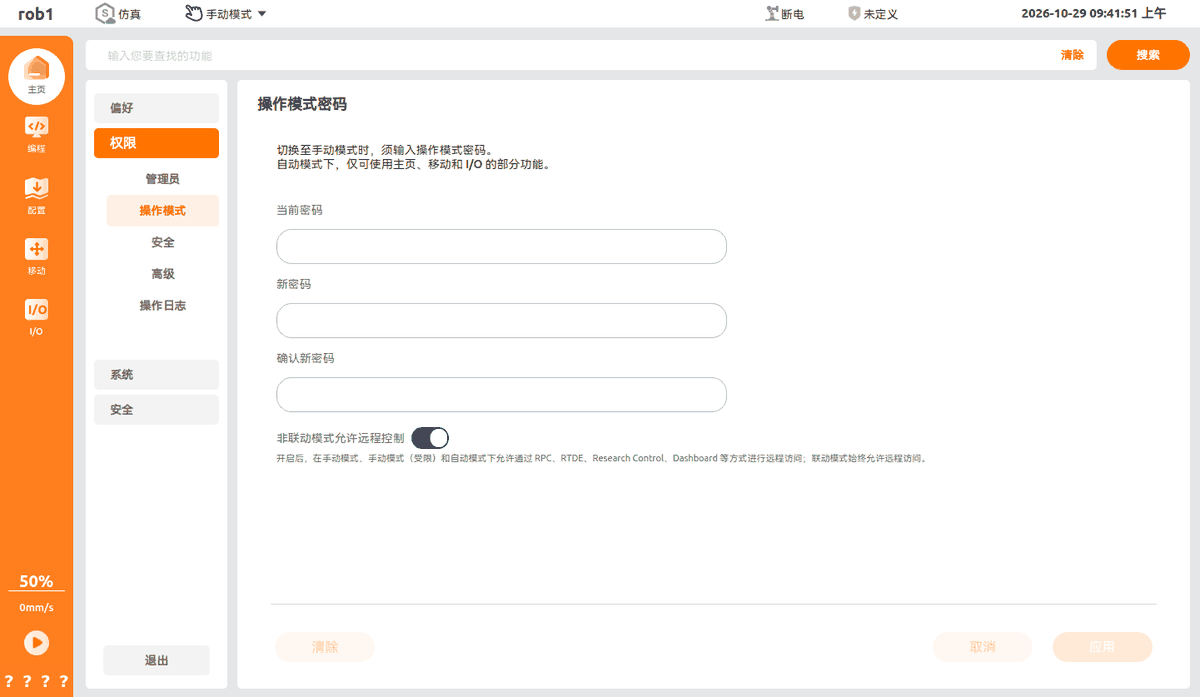
On the [Operating Mode] page, you can set the operating mode password. When switching to manual mode, the operating mode password must be entered. In automatic mode, only part of the functions on the Home, Move, and I/O pages are available.
Field Description
- Current Password: Enter the existing operating mode password for identity verification.
- New Password: Enter the new operating mode password to be set.
- Confirm New Password: Enter the new password again. Both entries must be identical.
- Allow remote control in non-linkage mode: When enabled, remote access through RPC, RTDE, Research Control, Dashboard, and other methods is allowed in manual mode, manual mode (limited), and automatic mode. Linkage mode always allows remote access.
Operation Steps
Enter the original operating mode password in [Current Password].
Note:
Devices shipped from the factory do not carry any default password. When setting the password for the first time, [Current Password] can be left blank.
Enter the same new password in [New Password] and [Confirm New Password].
Submit and save to make the new password take effect.
Turn on or off the [Allow remote control in non-linkage mode] switch as needed.
Security
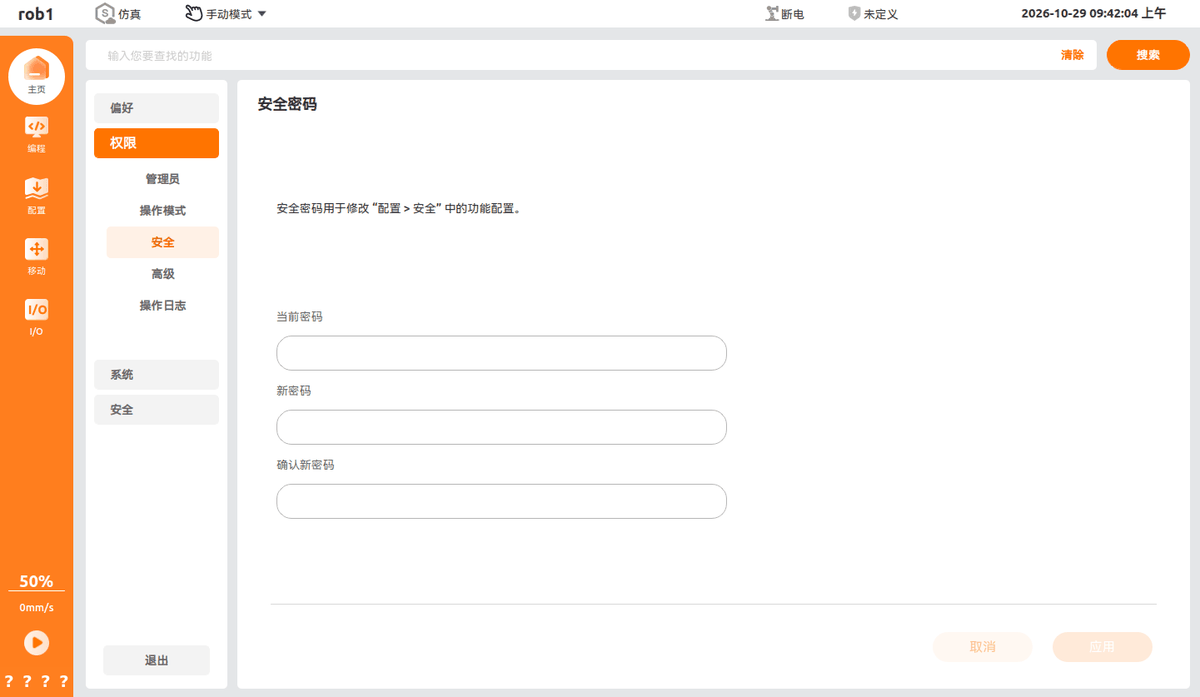
On the [Security] page, you can set the security password. The security password is used to modify the function configurations under "Configure > Security".
Field Description
- Current Password: Enter the existing security password to complete identity verification.
- New Password: Enter the new security password to be set.
- Confirm New Password: Enter the new password again. Both entries must be identical.
Operation Steps
Enter the original security password in the [Current Password] box.
Note:
Devices shipped from the factory do not carry any default password. When setting the password for the first time, [Current Password] can be left blank.
Enter the same new password in [New Password] and [Confirm New Password].
Click [Apply] to save the changes, or click [Cancel] to discard the changes.
Warning:
If the security password is lost, the security-related configuration parameters cannot be accessed or modified. Keep it properly.
Advanced
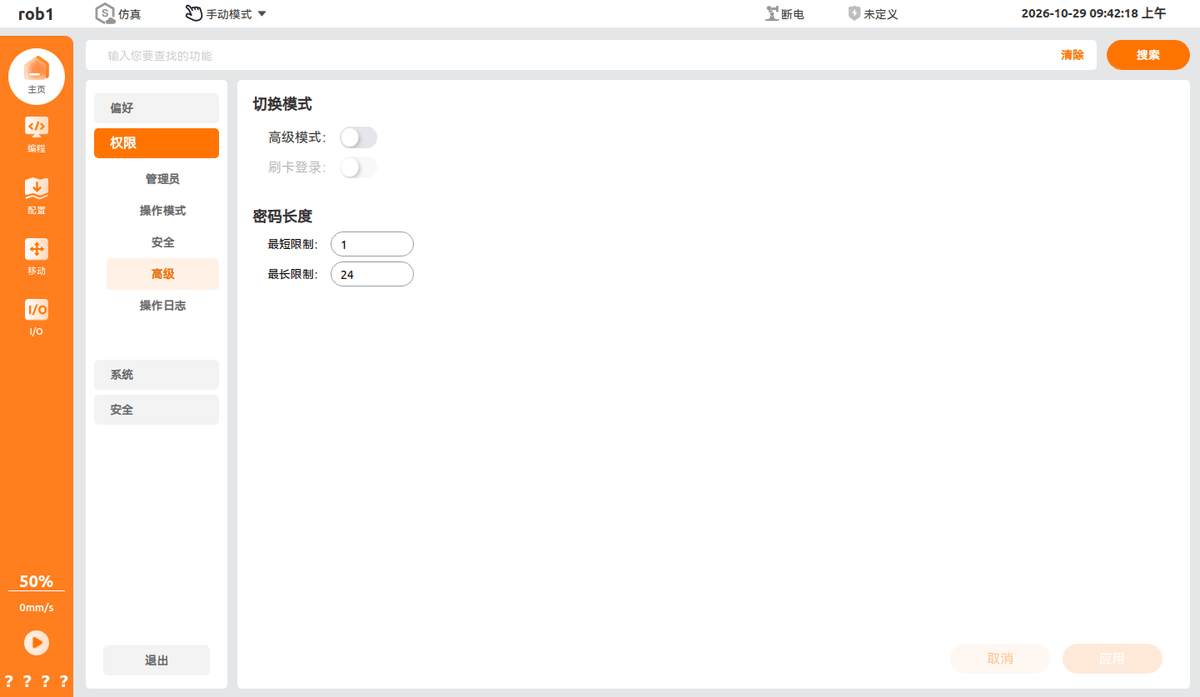
On the [Advanced] page, you can configure authority-related extension modes and password length rules.
Mode Switching
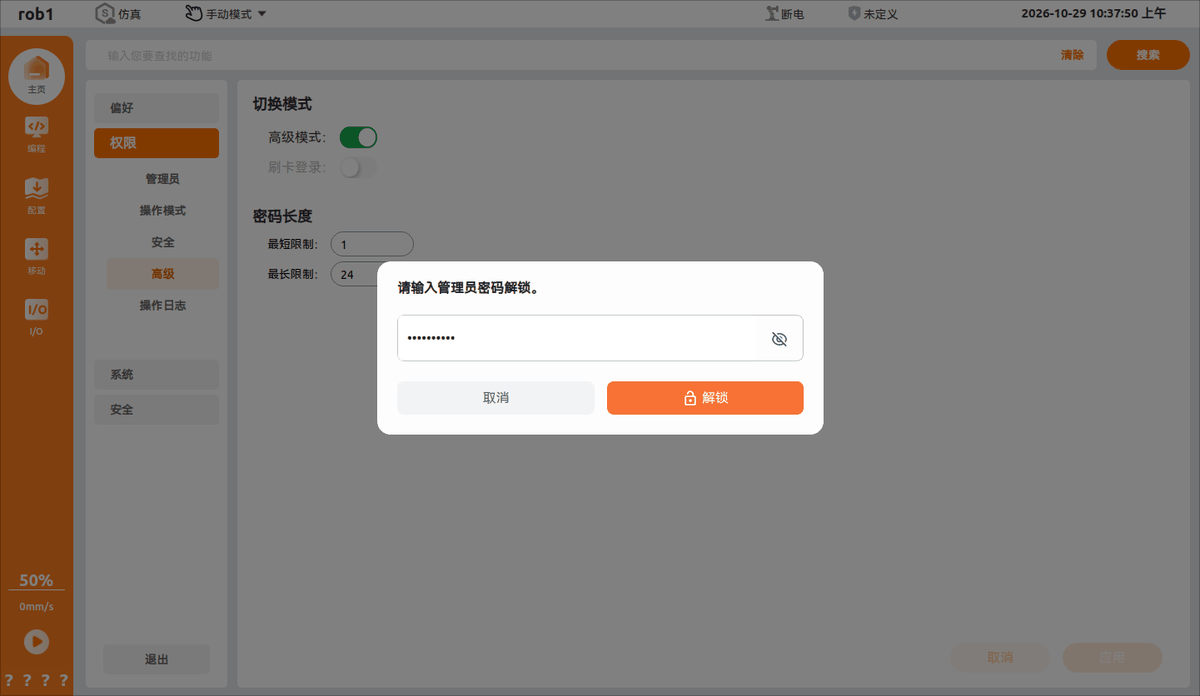
Advanced mode: After it is turned on and the admin password is entered, AuboStudio switches to advanced mode.
Swipe card login: When enabled, identity authentication by swiping a card is supported.
Note:
[Swipe card login] can be enabled only after [Advanced mode] is turned on for a wired teach pendant.
Password Length
- Minimum limit: Sets the minimum number of characters allowed for authority passwords.
- Maximum limit: Sets the maximum number of characters allowed for authority passwords.
Operation Steps
- Turn on the [Advanced mode] switch according to business requirements.
- Enter the [Admin Password] in the dialog box, and click [Unlock] after entering.
- Confirm the information in the dialog box and click [OK].
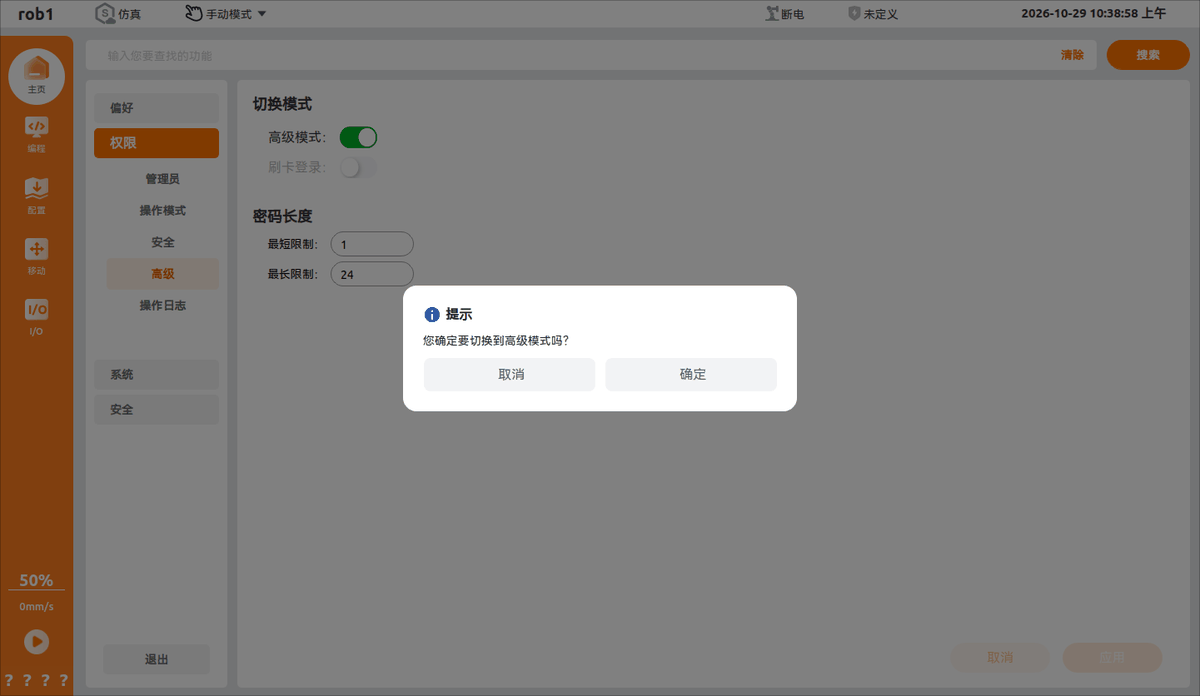
- AuboStudio now enters advanced mode. For subsequent operations after [Advanced mode] is turned on, see Authority - Advanced Mode.
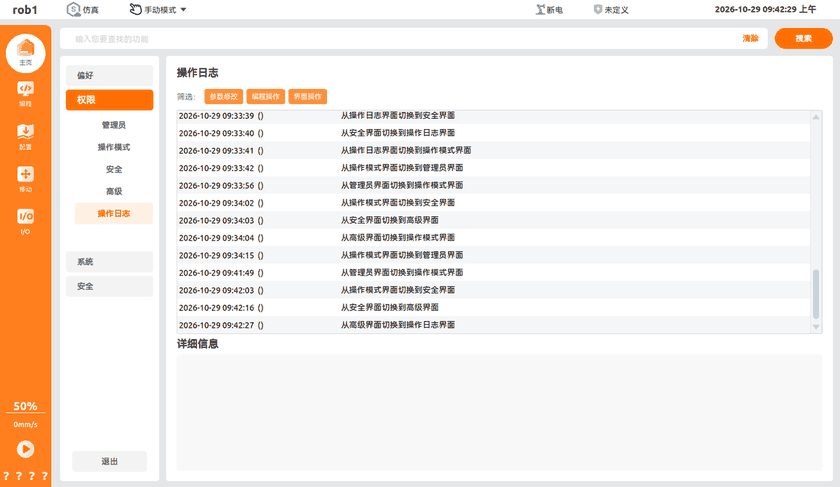
Operation Log
[Operation Log] records all operations performed in AuboStudio.
Note:
[Operation Log] is supported only on wired teach pendants.