Running Project
Run screen
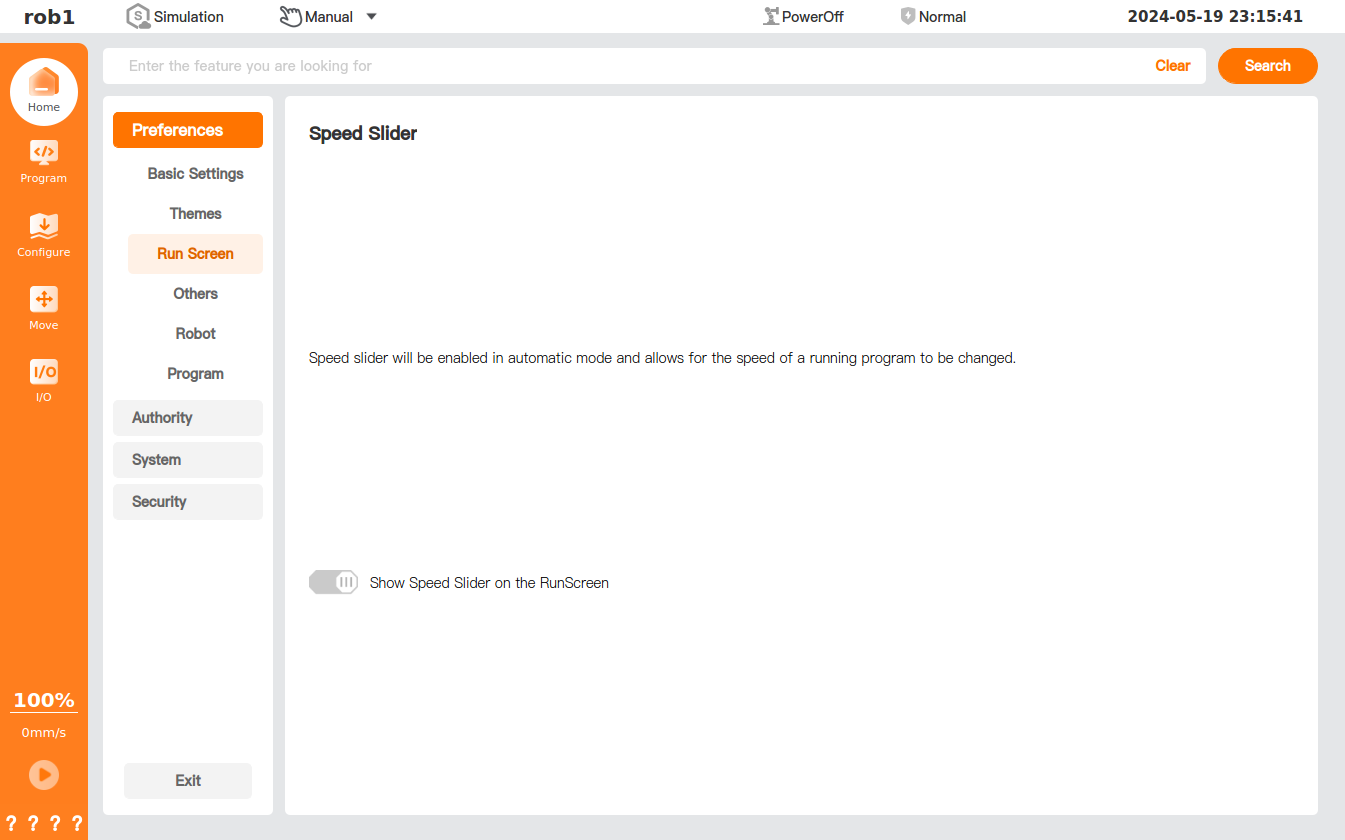
In the [Run Screen] page, you can turn on or off the movement speed slider of [Speed].
In automatic mode, if this function is turned on, click [Speed]  at the bottom of the left menu bar, and the movement speed slider will appear; if this function is turned off, the movement speed slider will not appear, i.e., the movement speed cannot be adjusted.