How to Resolve ARCS Online Upgrade Failure
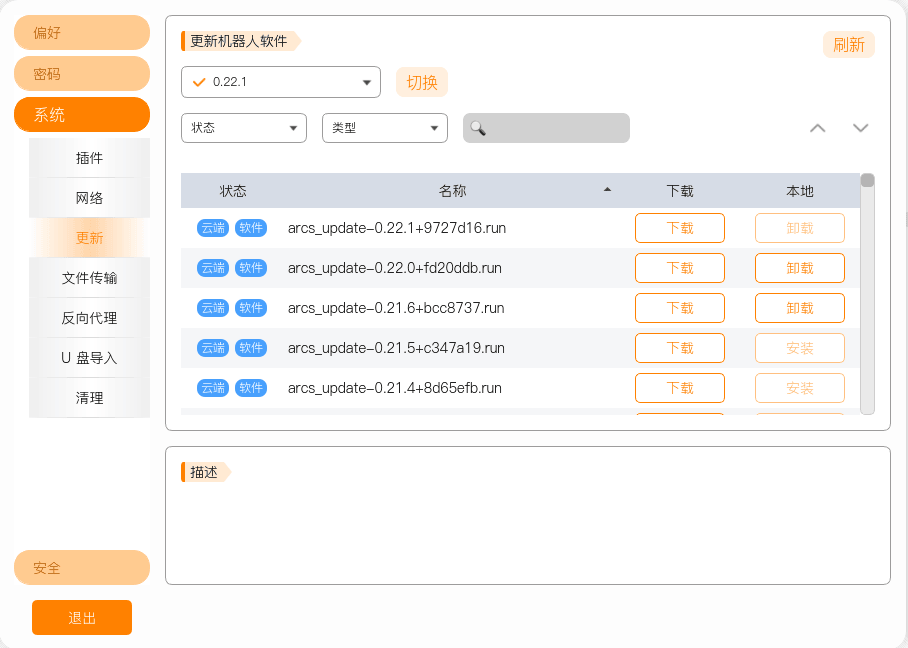
Problem: When opening ARCS, in Settings — System — Update, the ARCS installation packages cannot be refreshed
- Confirm whether the device is connected to the network
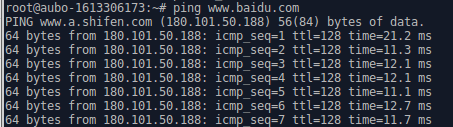
- The problem appears as follows

Solution:
- Copy openssl_lib.zip from the repository to the target device and extract it
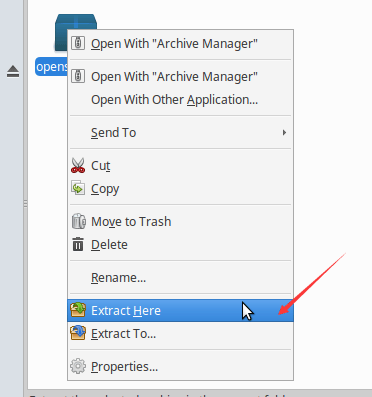
- Enter the
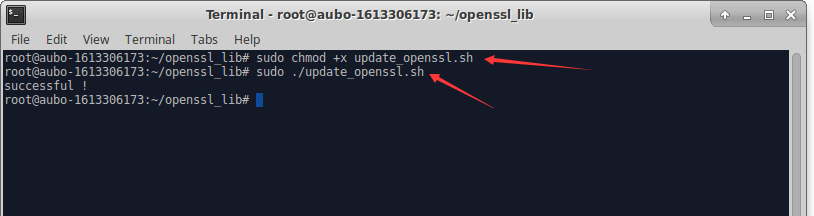
openssl_libfolder, open a terminal, and enter the following commands
- Enter the
sudo chmod +x update_openssl.sh-
sudo ./update_openssl.sh
Seeing successful means the script ran successfully
- 3 Restart ARCS, and the ARCS installation packages will then be refreshed