Teach Pendant Screen Calibration Guide
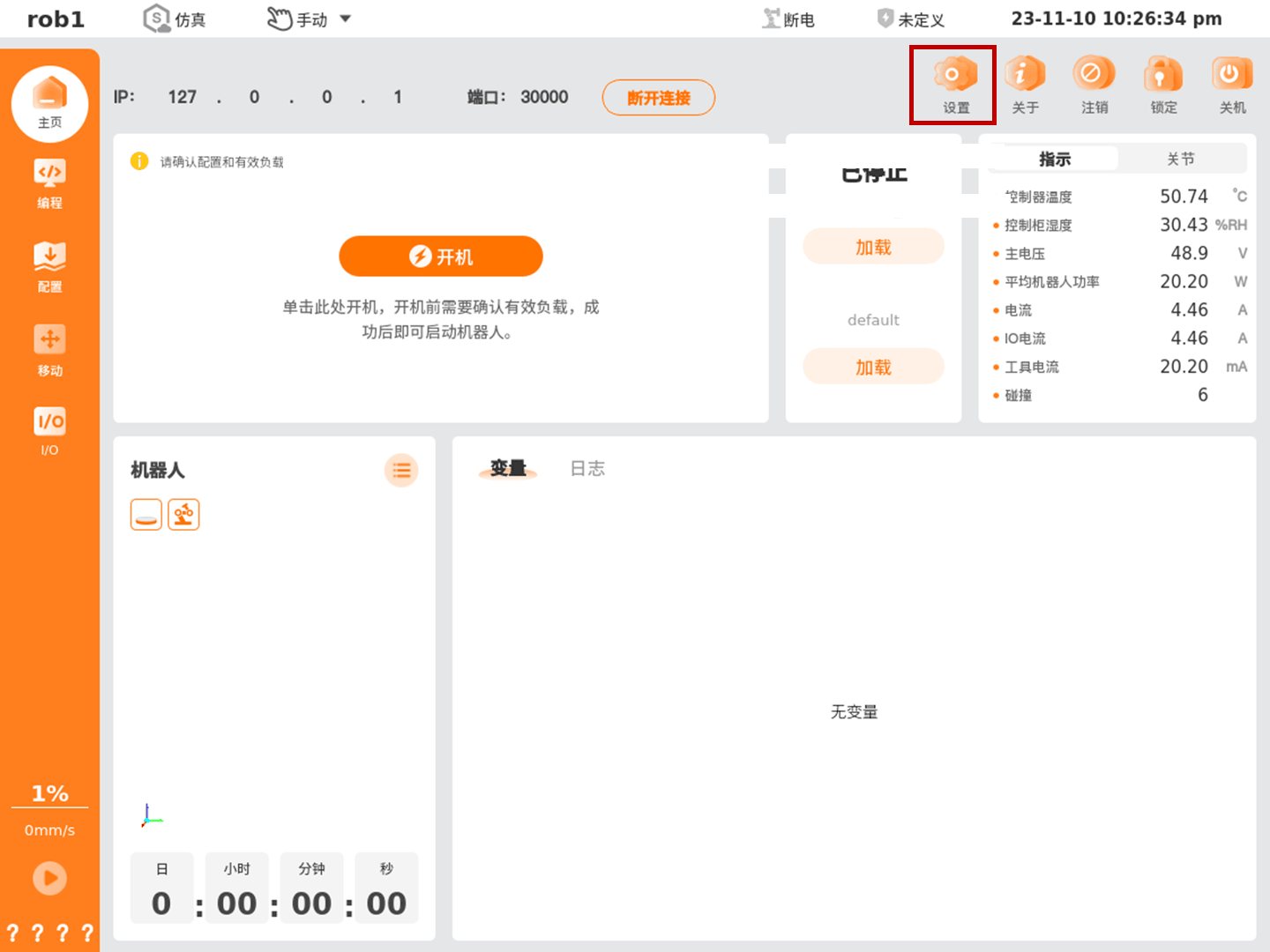
Open the AuboStudio teach pendant software, and click [Settings] in the upper-right corner of the home page.
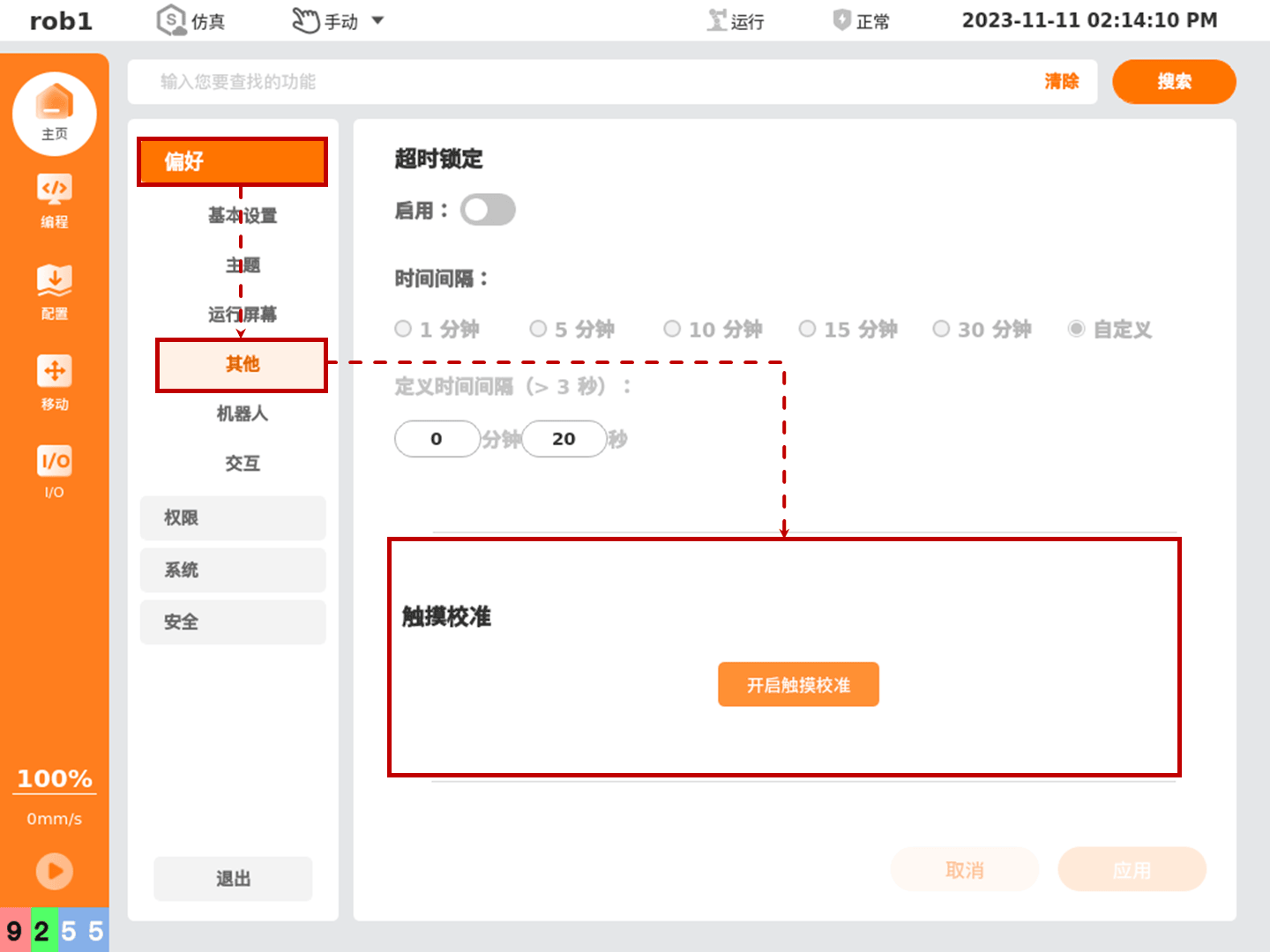
Click [Preferences > Others], and click the [Enable Touch Calibration] button.
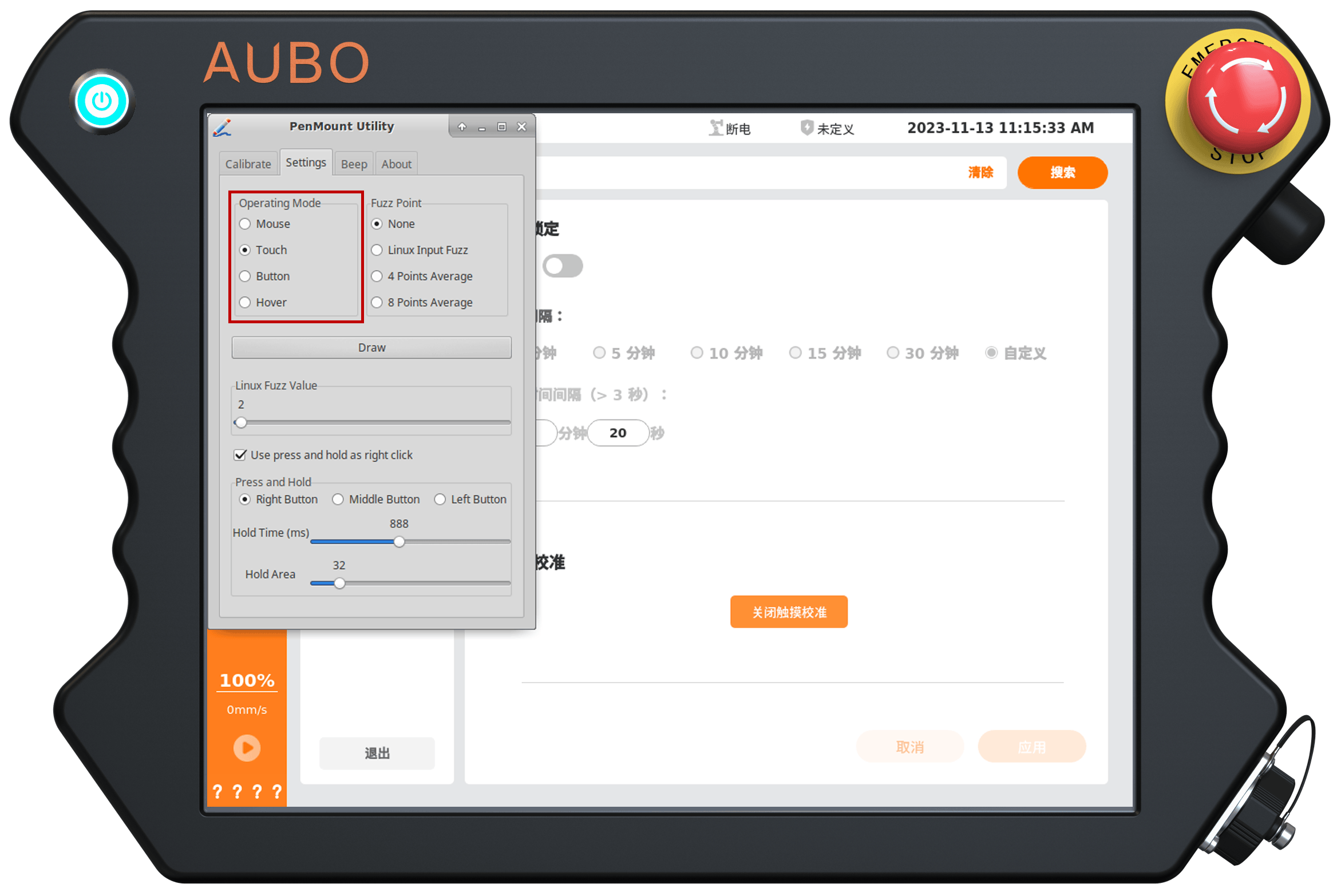
The touchscreen calibration software window pops up. Click the "Settings" tab, and select "Touch" under "Operation Mode".
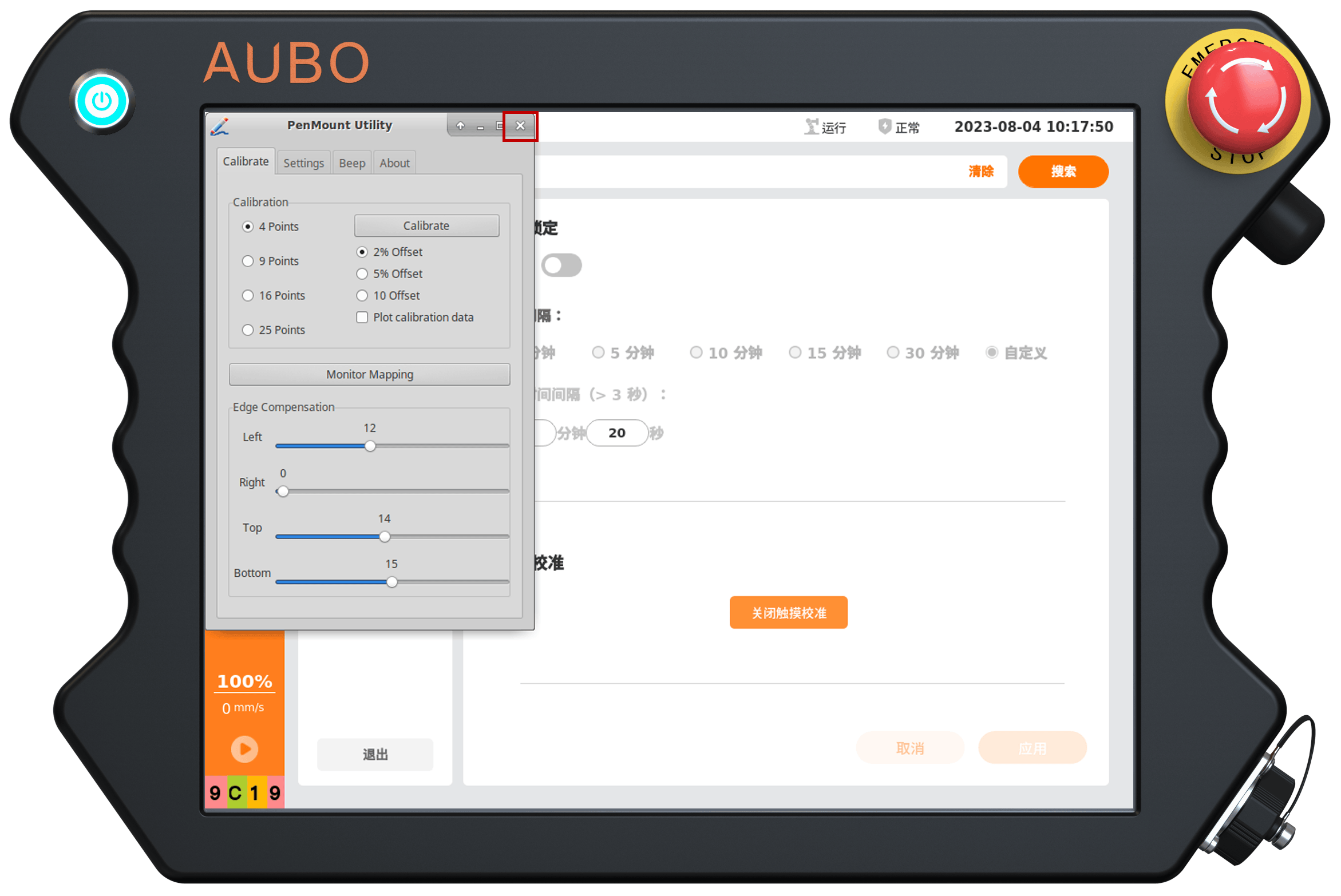
Click "Calibrate", and select the number of test points under "Calibration". There are currently four options: 4, 9, 16, and 25. The more points there are, the more accurate the screen calibration will be; 4 or 9 points are recommended.
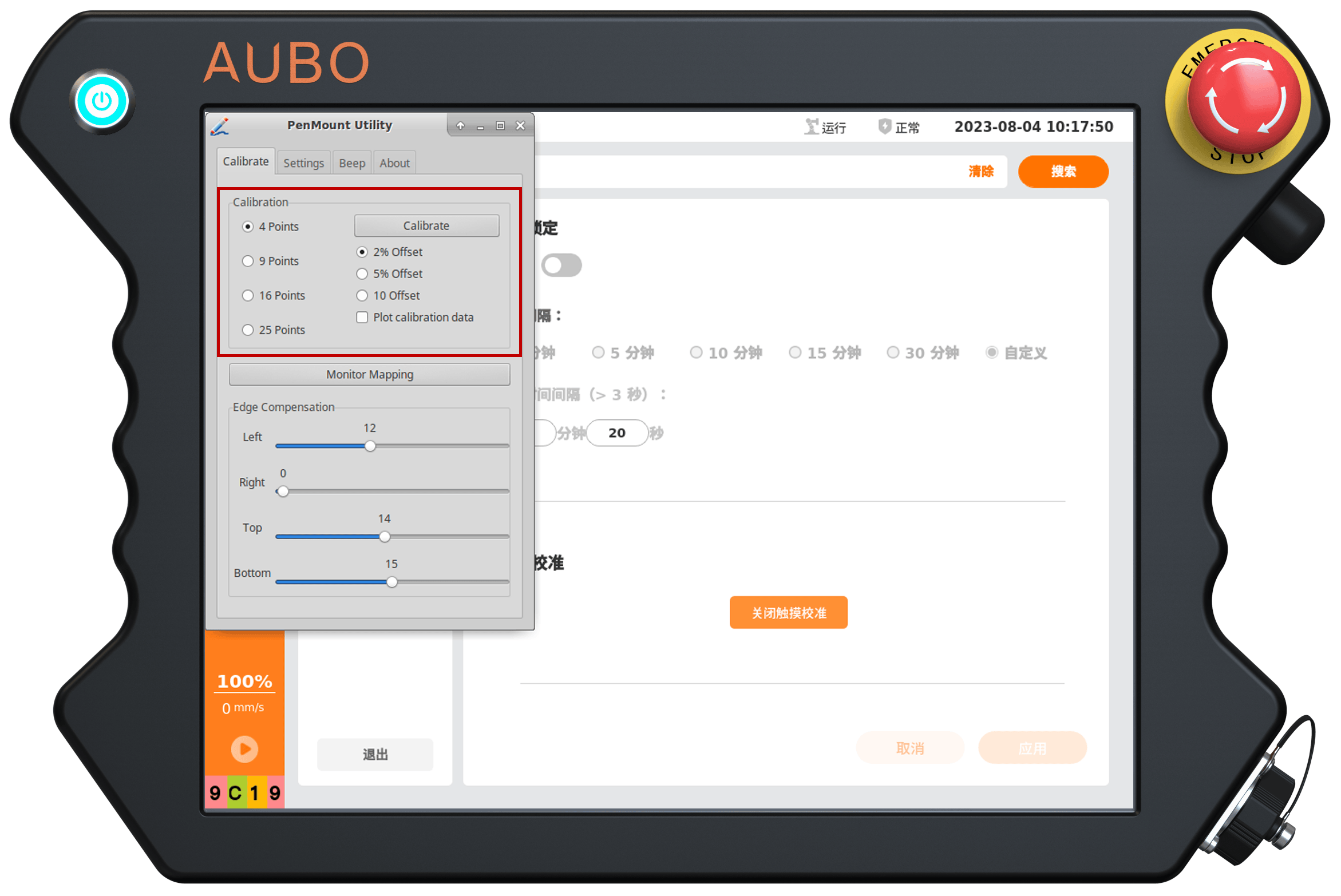
Click [Calibrate] to enter the calibration interface.
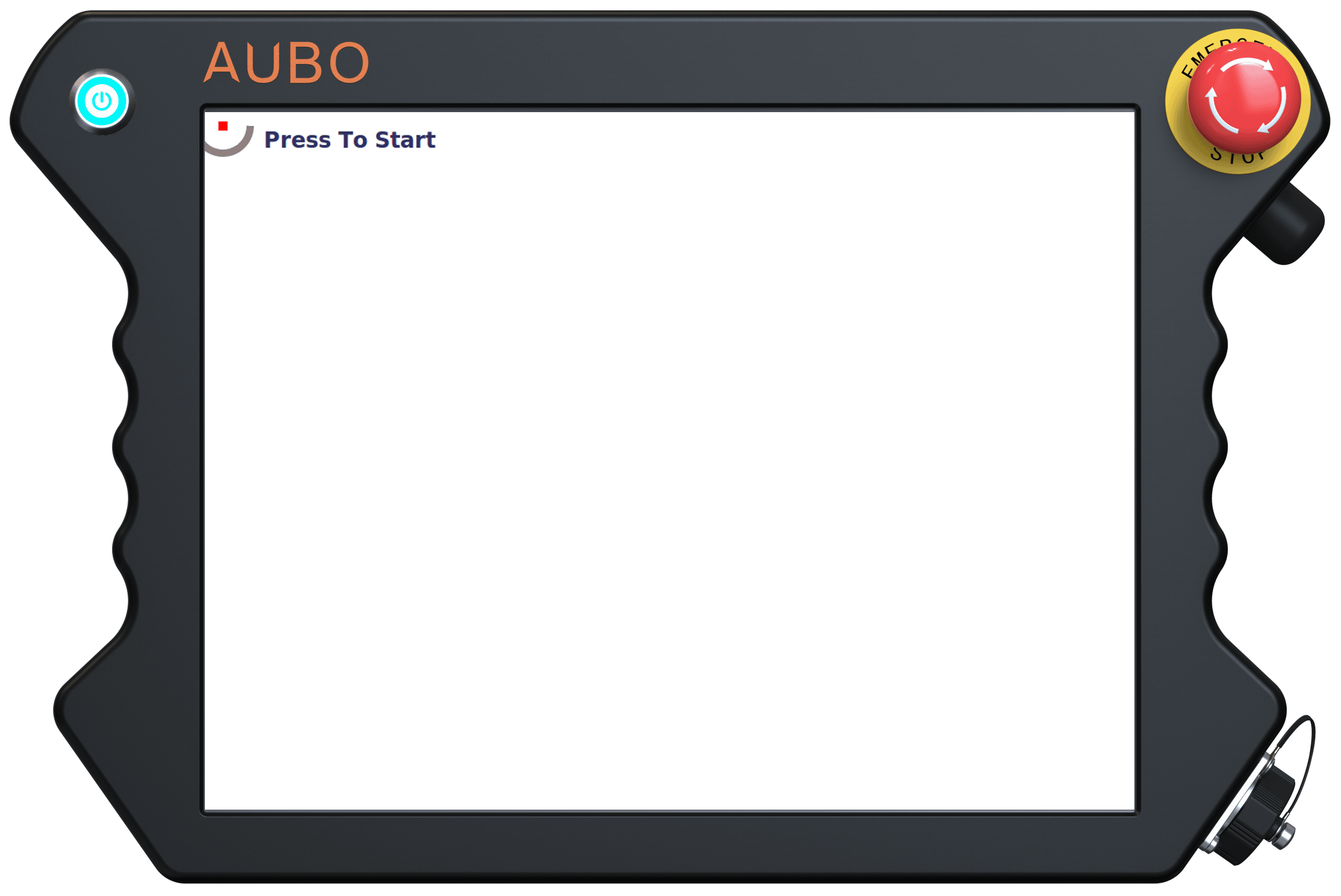
Follow the prompts to complete the screen calibration. When finished, close the touchscreen calibration software.